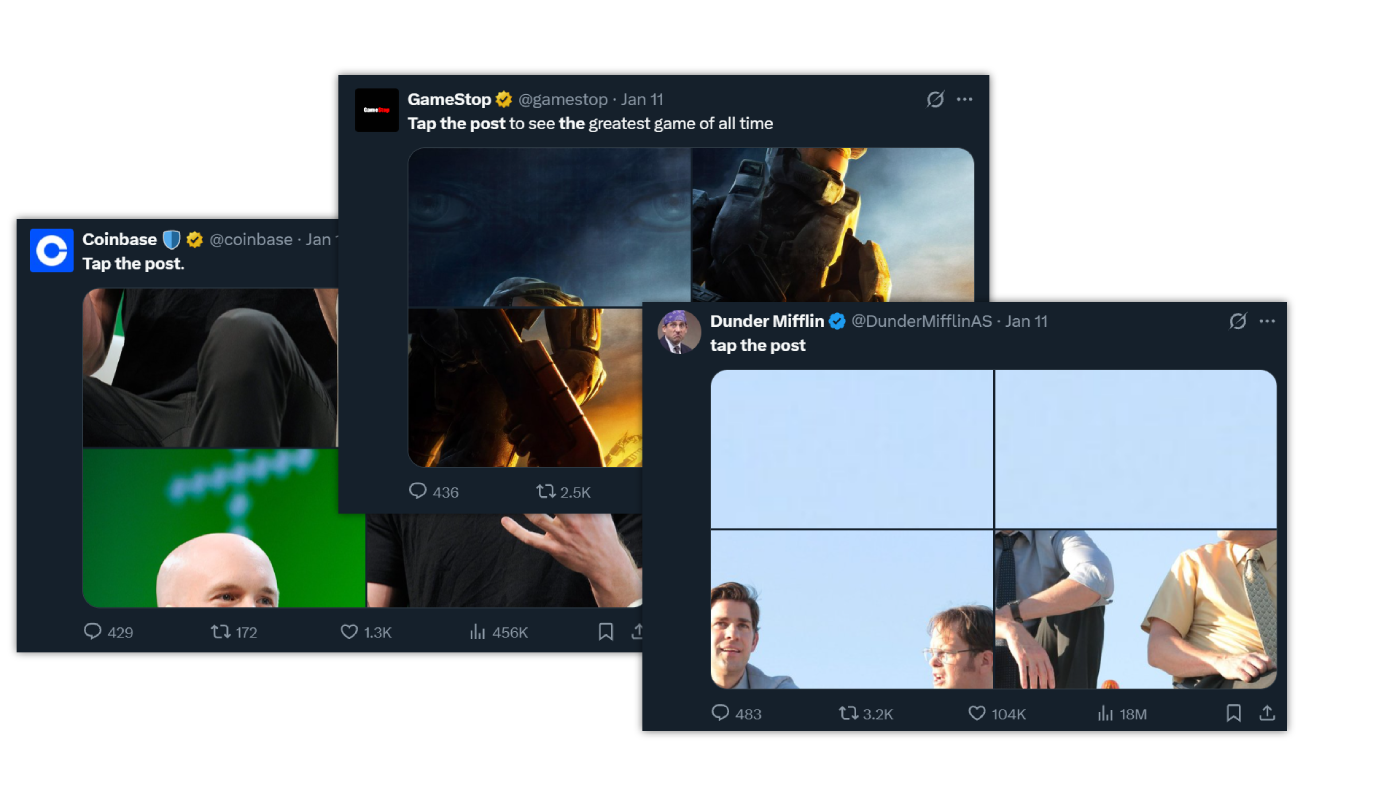
What's the "Tap The Post" trend?
The "tap the post" trend on X is when someone makes a post that only really makes sense after you tap it. At first glance, the post might look cropped, confusing, or incomplete. The creator wants you to tap on it so the full image, layout, or sequence shows up. Once you do, the content "clicks" — sometimes literally.
People use it for:
- Images that are cut off in the feed but look cool when opened
- Visual jokes or memes that only work when expanded
- Art or photo sets that reveal more detail when tapped
- Posts designed to boost engagement by making you interact
In short: it's a simple engagement trick — make the post look incomplete so people tap it, then reward them with something interesting once they do.